
Which Setup Is Better for Work and Play?
The debate between ultrawide monitors and dual-monitor setups has been going strong for years, and it is still one of the most practical decisions anyone can make when building a desk setup.
Is it time to take stock of your current set-up and do a re-think for the coming year?
Both options have loyal fans for good reason. One delivers a clean, immersive viewing experience; the other offers flexible, highly efficient multitasking.
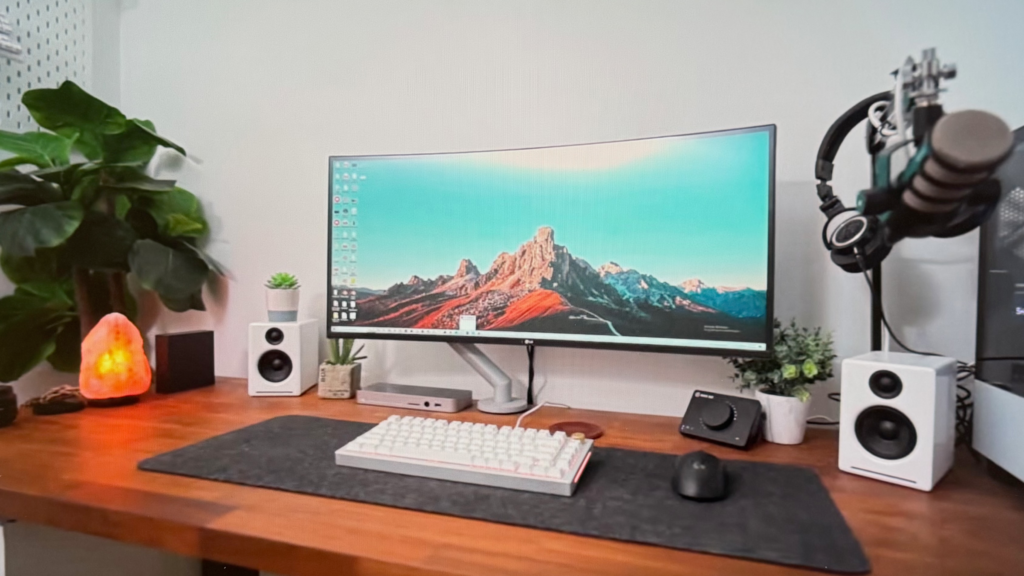
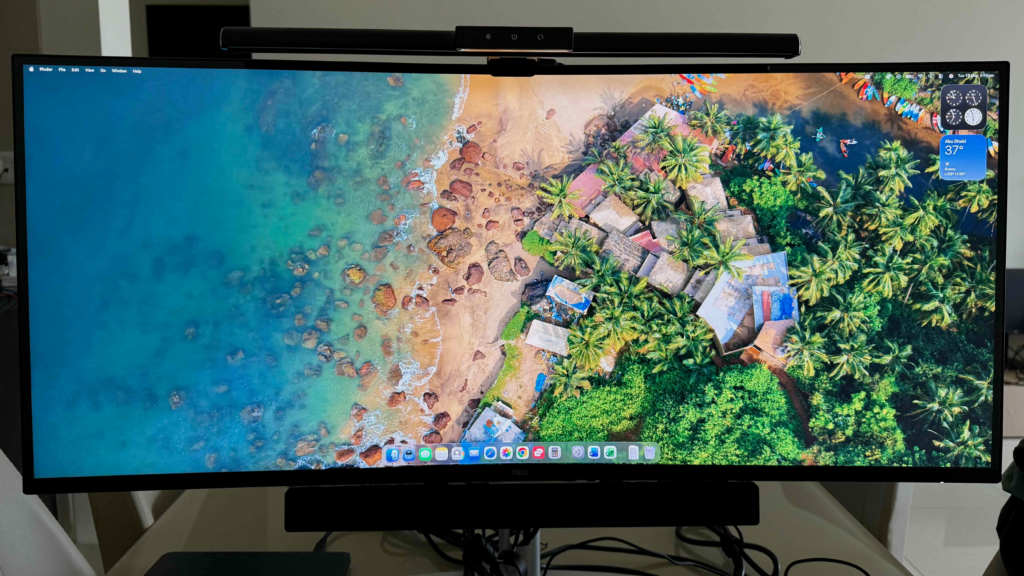
I recently tested this myself using a Dell 34-inch ultrawide at home, a Dell 26-inch single monitor I had been using for years, and a Dell 24-inch dual-monitor setup in the office. That gave me a rare chance to compare both styles side by side in real-world use. After two weeks of switching between them, the answer became clearer than I expected: the better option depends less on “which is best” and more on how you work, watch, edit, and think.
What Is an Ultrawide Monitor?
An ultrawide monitor is a single display with a wider aspect ratio than a standard screen, usually 21:9 or 32:9 instead of the more common 16:9. Popular examples include 34-inch ultrawides at 3440 x 1440, while larger super ultrawides push the experience even further.
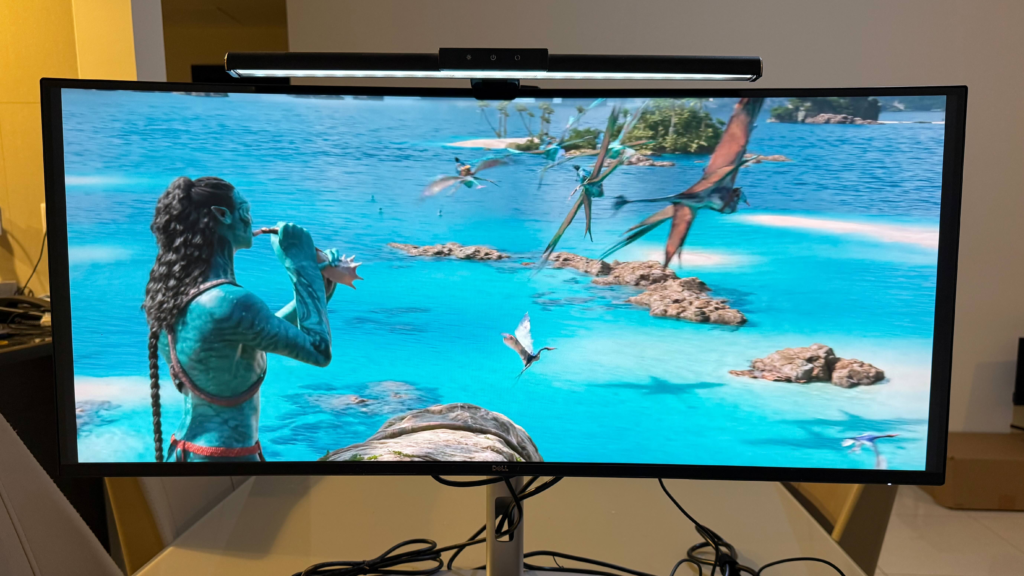
The appeal is simple. Instead of two monitors with a bezel in the middle, you get one seamless canvas. That makes the desk look cleaner and gives the impression of a larger, more cinematic workspace. The trade-off is that ultrawides usually sacrifice some vertical height compared with a standard monitor arrangement. In practice, that matters more than many people expect.
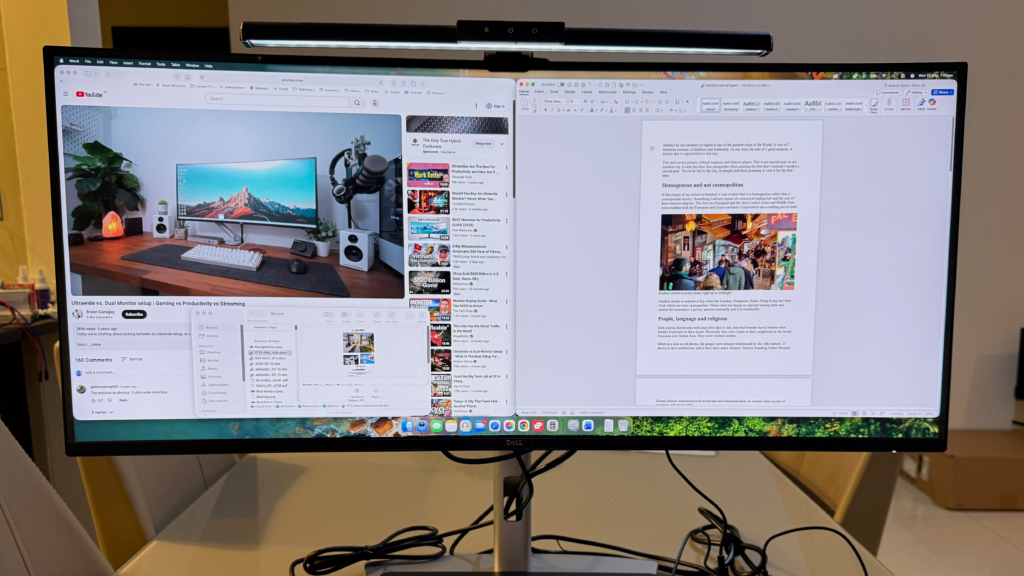
Certainly for creative work, ultrawides feel spacious and elegant. For gaming or movie viewing, they can be spectacular. For everyday office tasks, though, the value depends on whether you prefer a broad workspace or a taller one.
What Is a Dual-Monitor Setup?
A dual-monitor setup uses two separate screens connected to the same computer. This is the classic productivity arrangement, especially for people who juggle multiple apps at once. One screen can hold your main task while the other handles email, chat, research, meetings, or reference material.
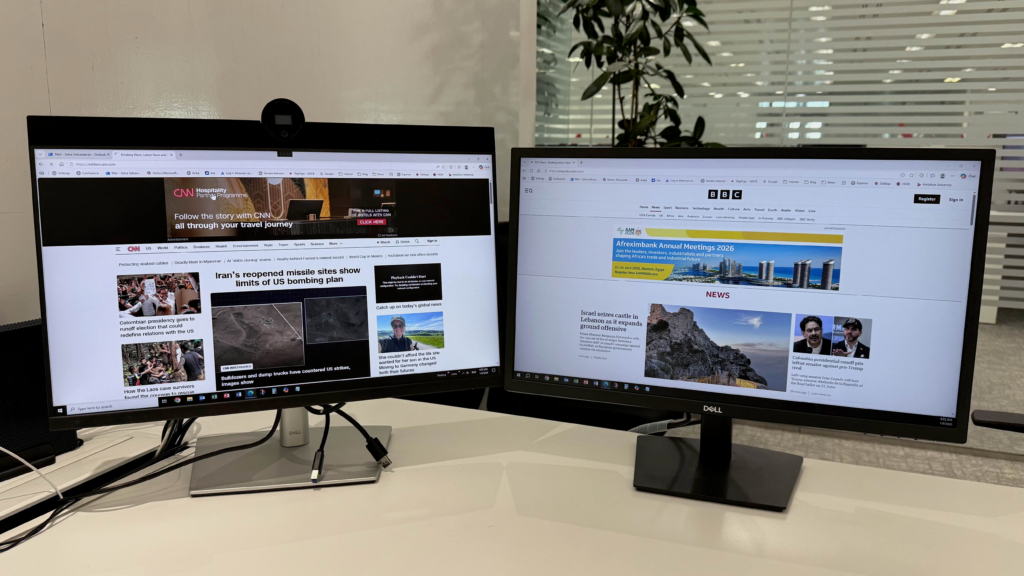
The biggest advantage of dual monitors is flexibility. You can mix sizes, use one screen in portrait orientation, and place apps exactly where you want them. This makes it easy to build a setup that suits your work style rather than forcing your workflow to fit the screen.
Dual setups also tend to be more affordable. You can buy one monitor first and add the second later, which makes the system easier to build over time. That practical advantage matters if you want a strong setup without paying premium ultrawide prices upfront.
Why Ultrawide Feels So Good
Ultrawide monitors have a strong visual appeal that is hard to ignore. The first thing most people notice is the immersion. Whether you are playing games, watching a film, or editing a video timeline, the wide format pulls you into the content in a way that feels more cinematic.
They are also excellent for creative work. If you edit photos, videos, graphics, or music, the extra width gives you room for timelines, previews, palettes, and notes without constant window switching. That makes ultrawides especially attractive to content creators, designers, and anyone who likes to keep multiple things open at once.
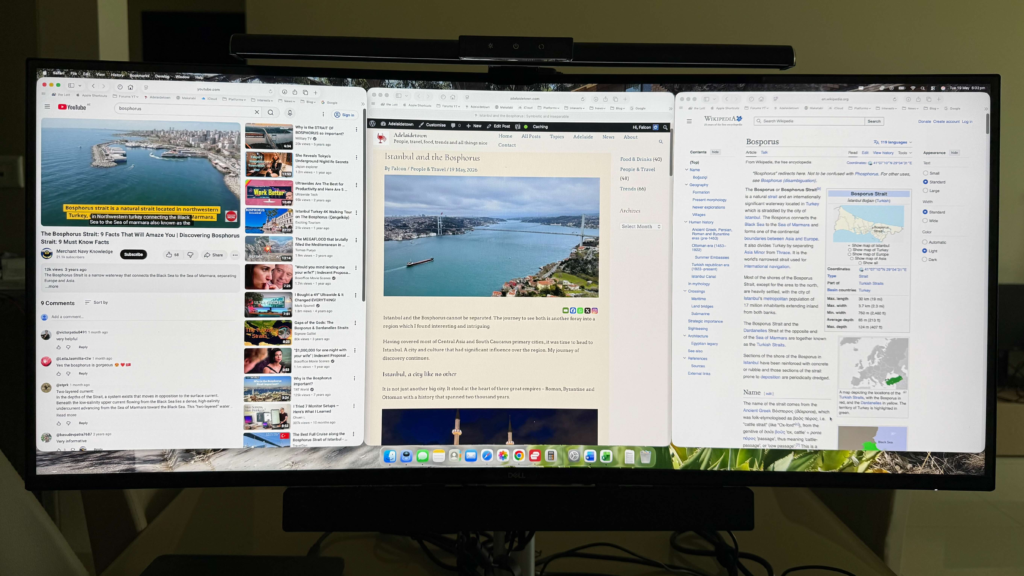
There is also the aesthetic factor. An ultrawide setup tends to look sleek and uncluttered, especially on a clean desk. With no central bezel, the whole display feels like one uninterrupted workspace. For some people, that alone is enough to justify the switch.
Why Dual Monitors Remain Popular
Dual monitors remain the gold standard for many office and multitasking environments because they are incredibly practical. The biggest strength is separation. Instead of stacking everything on one wide screen, you can divide tasks between two displays and keep each one focused on a single role.
That separation reduces mental clutter. It is easier to stay organized when one screen is for writing or editing and the other is for documents, browsers, or communication tools. You do not have to constantly resize or rearrange windows to make everything fit.
Dual monitors also give you more vertical room overall, especially if both displays are 16:9. That helps when reading long documents, viewing websites, working in spreadsheets, or consuming any content that benefits from height rather than width. In many office situations, that extra vertical space is more useful than a single broad canvas.
The Main Trade-Offs
The biggest weakness of an ultrawide is that it can feel less practical for certain everyday tasks. If you watch a lot of standard 16:9 content, you may notice black bars on the sides. That does not ruin the experience, but it does remind you that not all media is built for ultrawide screens.
Another issue is adaptation. Many people are used to standard screen proportions, so moving to 21:9 takes a little time. At first, you may not use the space efficiently. Some users leave too much of the screen empty or place windows in ways that do not take full advantage of the format.
Dual monitors have their own compromises too. The bezel can interrupt the flow of work, especially when you are moving content between screens. Two monitors also take up more physical space and can make a desk feel busier. If the arrangement is not well planned, it can become cluttered quickly.
Who Should Choose Ultrawide?
Ultrawide monitors are a great fit if your work or entertainment leans heavily toward immersion and creative flow. They are especially useful for:
- Gaming.
- Movie watching.
- Video editing.
- Photo editing.
- Design work.
- Broad multitasking in one visual space.
If you like a clean setup and want a monitor that feels premium, ultrawide is a strong choice. It is particularly appealing for home use, where the visual experience matters as much as pure efficiency. For many creators, it becomes the kind of setup that is hard to give up once you get used to it.
Who Should Choose Dual Monitors?
Dual monitors are better if your work depends on constant switching, comparison, and separation between tasks. They are especially useful for:
- Office work.
- Email and communication-heavy workflows.
- Research and writing.
- Data entry.
- Spreadsheets.
- Tasks that benefit from a tall screen layout.
If you want maximum practicality and control, dual monitors usually win. They are easier to adapt to, easier to expand, and often easier on the budget. For many people, that makes them the smarter default choice.
My Take After Two Weeks
After testing both setups, the conclusion was surprisingly clear. The ultrawide became the better choice at home, where immersion, creative work, and a clean desk mattered most. Especially for those involved in content creation where video editing is important. The dual monitor setup remained the better fit for office work, where productivity, separation, and flexibility carried more weight.
That made the real answer less about choosing one winner and more about choosing the right tool for the right environment. If you do a lot of editing, media work, or visual tasks, an ultrawide can transform your workspace. If your day revolves around productivity apps, communication, and multitasking, dual monitors still make enormous sense.
For many people, the best solution may actually be a hybrid one: an ultrawide at home for focused creative work, and a dual monitor setup for office-style tasks. That gives you the strengths of both worlds without forcing one format to do everything.
The real question is not whether ultrawide or dual monitors are better in general. It is which setup matches the way you actually work. And once you answer that honestly, the decision becomes much easier.
FAQs
Not necessaryly. Certain uses are still better with dual monitor setup.
Yes. It the same moving from single monitors as well.
Yes. More affordable to get higher end specs with dual monitors compared to ultrawide.