
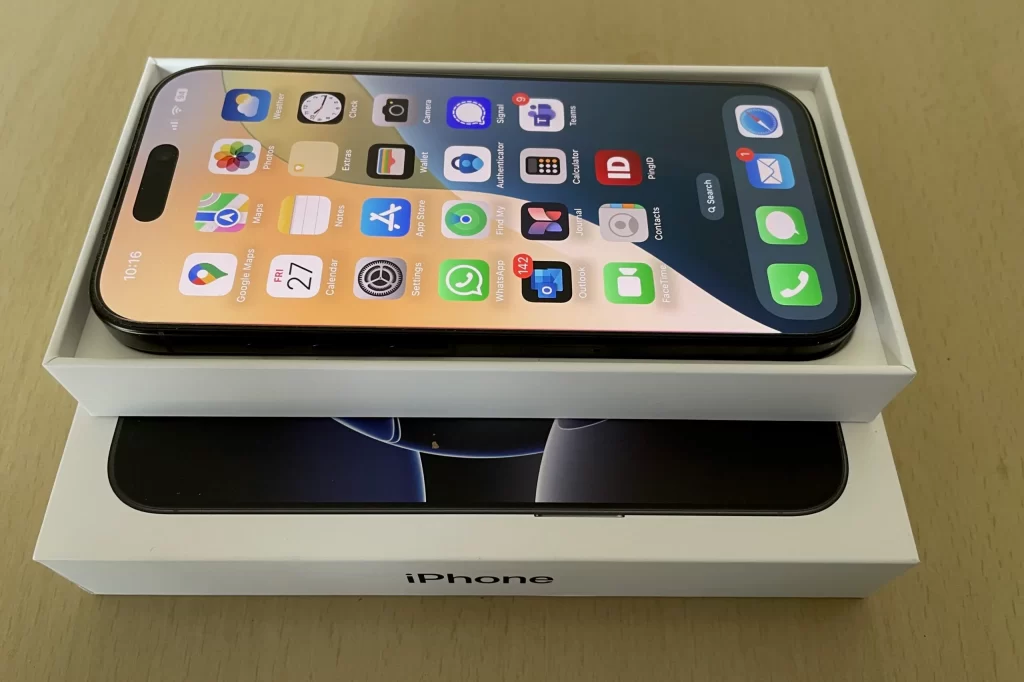
The iPhone 16 Pro, released on September 20, 2024, as part of Apple’s latest flagship series, represents a significant leap forward in smartphone photography.
After picking up my own device from Apple Rundle Mall in December, I embarked on a journey to discover whether this new model could finally replace my compact camera and become my primary tool for capturing life’s moments.
Why Upgrade to the iPhone 16 Pro?
For years, I relied on base iPhone models, each with a standard two-lens setup. My move from a traditional SLR to a compact Sony ZV1 in 2020 was motivated by a desire for convenience and portability.
The ZV1 was a revelation—compact, powerful, and capable in low light. Yet, as smartphone cameras rapidly advanced, the prospect of carrying just one device became increasingly appealing.
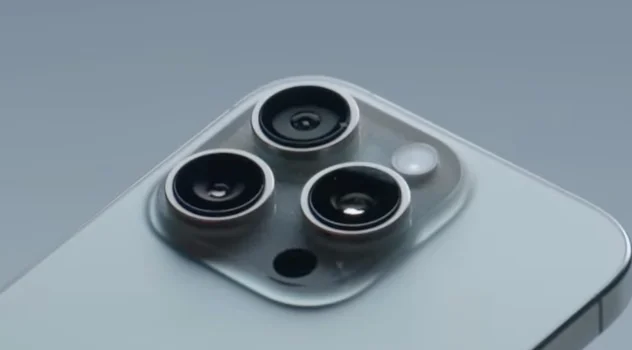
The iPhone 16 Pro, with its triple-lens array and cutting-edge features, promised to bridge the gap between dedicated cameras and smartphones. The addition of Apple Intelligence, launched in Australia and New Zealand in December 2024, further piqued my interest. I was eager to see how AI could enhance my photography workflow, from shooting to organizing and editing.
Camera Hardware: A Triple Threat
The iPhone 16 Pro’s camera system is its crown jewel, boasting three entirely new lenses:
- Primary Lens: 48 MP, f/1.8, 24mm (wide), with dual pixel PDAF and sensor-shift OIS.
- Telephoto Lens: 12 MP, f/2.8, 120mm (periscope), offering 5x optical zoom and 3D sensor-shift OIS.
- Ultrawide Lens: 48 MP, f/2.2, 13mm, with PDAF.
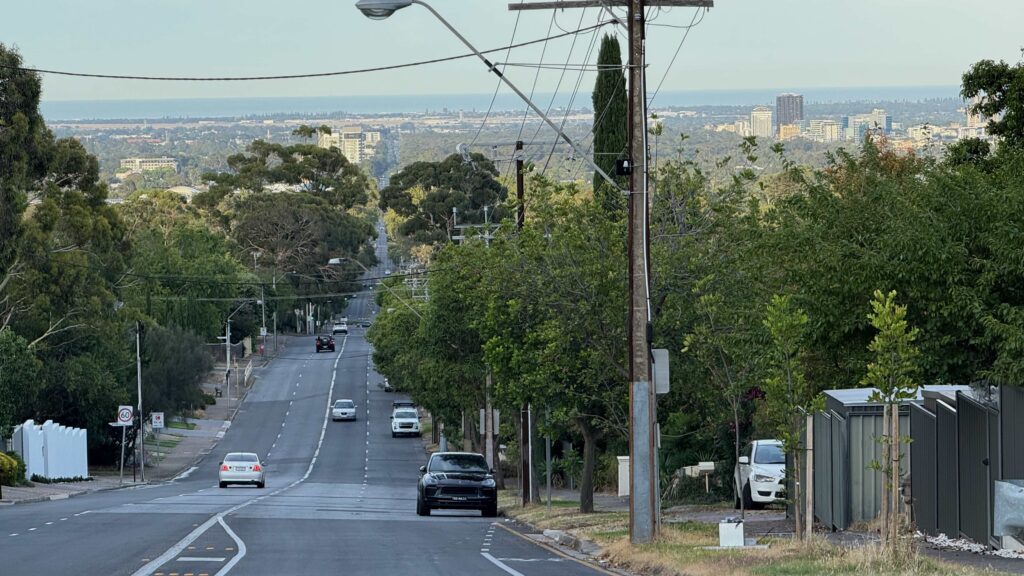
Each lens is purpose-built—no recycled hardware from previous models. The standout is the 48 MP ultra-wide lens, which finally delivers the resolution and field of view needed for breathtaking landscapes.
The telephoto lens, with its periscope design, brings distant subjects into crisp focus, while the primary lens excels in everyday shooting, from portraits to street scenes.
On the video front, the iPhone 16 Pro supports 4K recording at up to 120fps, Dolby Vision HDR, and even 3D spatial video, making it a powerhouse for content creators.
From Compact to Smartphone: The Transition
The journey from SLR to compact, and now to smartphone, has been driven by one word: convenience. Compacts like the Sony ZV1 broke new ground in low-light performance, but smartphones have the ultimate advantage—they’re always with you. The iPhone 16 Pro’s three-lens system means you no longer have to compromise on versatility or image quality.


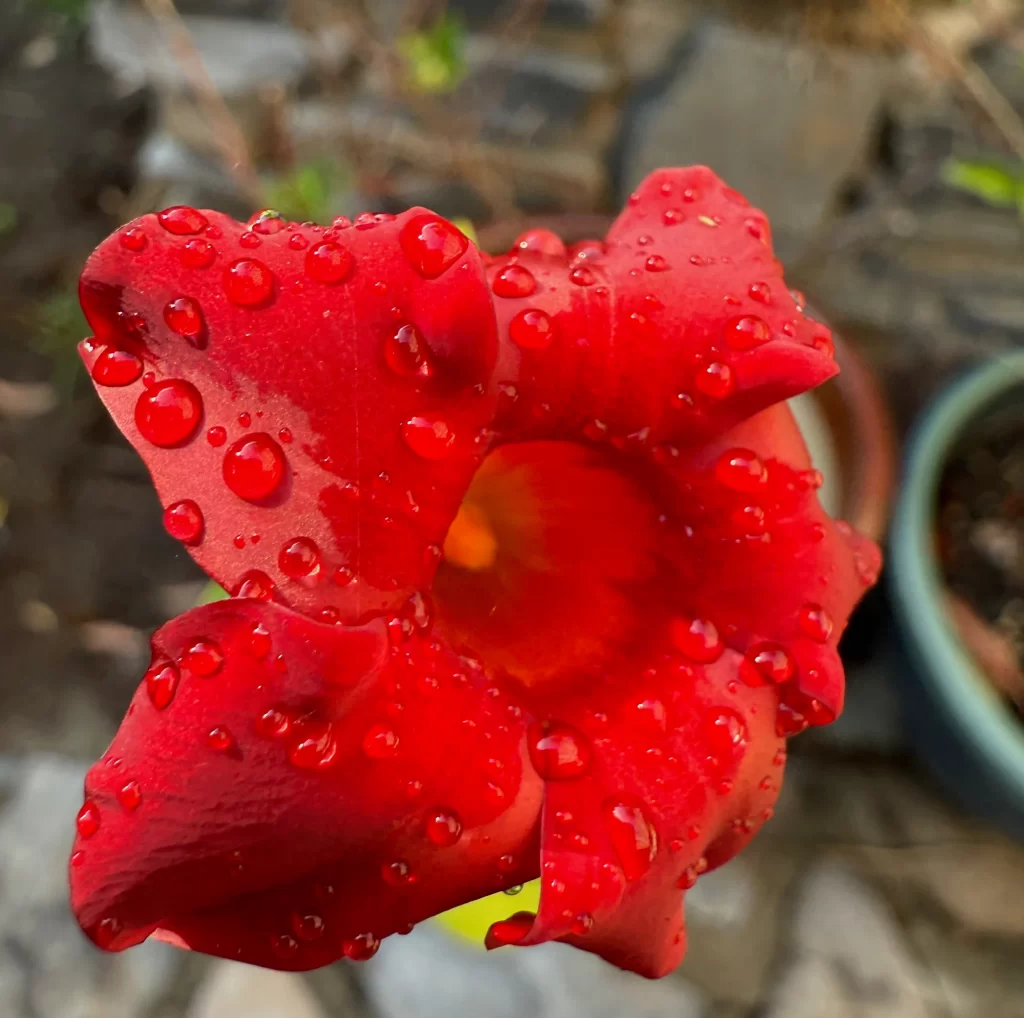
Macro photography, once a niche feature, is now accessible and impressive on the iPhone 16 Pro. The ability to capture intricate details in the garden or at the market adds a new dimension to everyday photography.
Smartphone Cameras Surpassing Compacts
In many ways, the iPhone 16 Pro now rivals, and in some cases surpasses, compact cameras. Its ultra-wide lens, high megapixel count, and advanced software processing close the gap in landscape and low-light photography. While I still bring my Sony ZV1 on important trips—especially when I’ve invested in travel and want every shot to count—the iPhone 16 Pro is now my go-to for spontaneous photography.
Ergonomics and the Dedicated Shutter Button
A long-awaited addition, the iPhone 16 Pro features a dedicated camera control button, placed exactly where your finger expects it—just like on a traditional camera. This button not only launches the camera app instantly but also serves as a shutter and quick-access control for zoom, exposure, depth of field, and more. It’s intuitive, but mastering its full potential takes practice.

Apple Intelligence: AI That Works for You
Apple Intelligence introduces three transformative features for photographers:
- Clean Up Tool: Effortlessly remove unwanted objects from your photos, previously a task for high-end editing software.
- AI-Powered Image Search: Instantly locate any photo by typing keywords, including text visible within images. Searching for that “Smoky Ribs” food stall snap? Just type it in, and the photo appears in seconds.
- Memory Movie Stories: Automatically stitch together memorable moments into shareable video stories, perfect for reliving vacations or special events.
These features streamline the post-capture process, making it easier to manage and enjoy your photo library.
Finding Your Photographer Type
The iPhone 16 Pro caters to three main user groups:
- Casual Shooters: Those who prefer to let the camera do the work—point, shoot, and trust the automatic settings. The iPhone 16 Pro excels here, delivering stunning results with minimal effort.
- Prosumers and Experts: Users who want full control over their photography, tweaking settings for optimal results across a variety of scenarios. The new hardware and software features provide ample room for creativity.
- Enthusiastic Learners: Hobbyists and travelers who want to up their game, especially for once-in-a-lifetime trips. Investing time in learning the basics of composition, exposure, and depth of field pays off, ensuring that your photos do justice to your experiences.
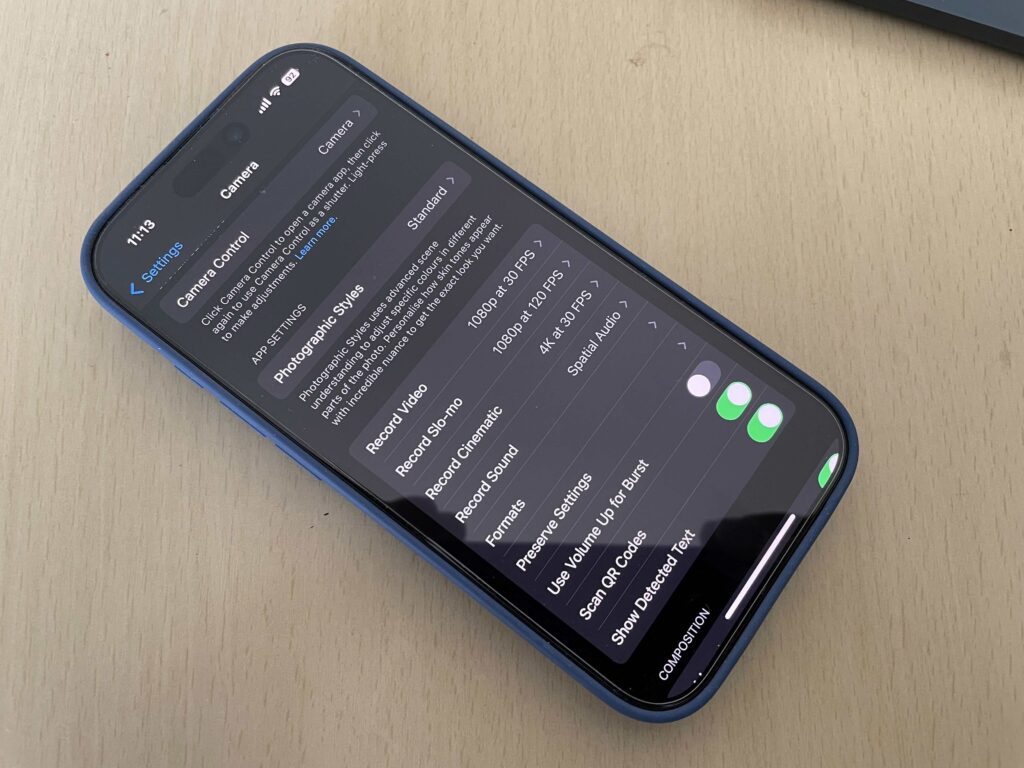
No matter your level, it’s essential to explore the camera’s settings. For example, to unlock the full 48 MP resolution, you must adjust the default settings, which cap images at 24 MP.
Mastering the iPhone 16 Pro: Tips for Success
To get the most out of the iPhone 16 Pro, especially if you’re serious about photography, consider these tips:
- Learn the Basics: Understanding composition, exposure, and depth of field is crucial. Countless tutorials and guides are available online, including excellent YouTube resources tailored to iPhone photography.
- Practice, Practice, Practice: Before any important trip or event, spend time experimenting with different settings and shooting scenarios. Visit local markets, parks, or city centers to test the camera in various lighting conditions.
- Embrace Digital Freedom: Take multiple shots of the same scene—digital storage is plentiful, and you can always delete unwanted images later. Bracketing (shooting at different exposures) can yield surprising results, especially in tricky lighting.
- Don’t Rely Solely on AI: While Apple Intelligence enhances editing and organization, it doesn’t influence the act of taking the photo. Master the fundamentals first, then use AI tools to polish your work.
Real-World Shooting: Maximizing Results
For the best daytime photos, shoot early in the morning or late in the afternoon when sunlight is softer. Practice indoor and low-light photography in challenging environments like churches or malls to understand how the camera handles different situations.
Remember, the iPhone’s display may not always reflect the final image perfectly, especially under certain lighting. Reviewing and editing images on a larger screen can help you spot details you might miss on the phone.
Final Thoughts: A Powerful Tool for Every Photographer
The iPhone 16 Pro is more than just a smartphone—it’s a sophisticated camera system that can satisfy casual users and serious photographers alike.
While its array of features and settings may seem overwhelming at first, investing time in learning and experimenting will pay dividends in the quality of your photos and videos.
For most people, the iPhone 16 Pro will be the only camera they ever need. For enthusiasts and professionals, it’s a versatile addition to their toolkit, capable of capturing stunning images in almost any situation.
As smartphone cameras continue to evolve, the line between dedicated cameras and mobile devices grows ever thinner.
The iPhone 16 Pro stands at the forefront of this evolution, empowering everyone to create, document, and share the world around them—one remarkable photo at a time.