
Unboxing, Forgetting, and Finally Discovering the Google Nest Mini: My Quirky Smart Home Adventure
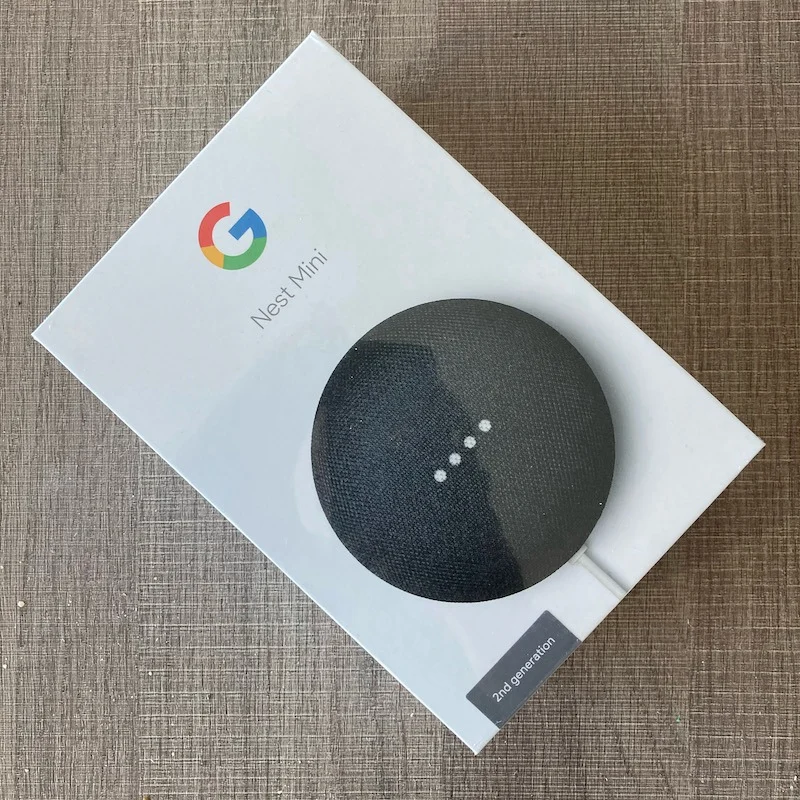
Let’s set the scene: It’s Christmas 2019. The tree is twinkling, laughter fills the air, and there’s a mysterious little box under the tree with my name on it. Inside? A shiny new Google Nest Mini.
It was the future of smart homes, right in my hands! But, like many gadgets gifted in the holiday frenzy, it soon found itself buried in a drawer, forgotten amidst the post-festivities haze.
Fast forward 13 months. Yes, over a year later. While searching for a rogue phone charger, I stumbled upon the neglected Nest Mini, still in its pristine box. Guilt (and curiosity) got the better of me. It was time to see what this little puck could do.
The Smart Speaker Revolution: How Did We Get Here?
Before diving into my own tech misadventures, let’s take a quick detour. Smart speakers aren’t exactly new. Apple’s Siri made talking to your phone cool, and soon Amazon Alexa, Google Home, and a parade of others joined the voice-activated party. Suddenly, everyone wanted to ask their speaker about the weather or have it play “Despacito” on command.
By the time I finally unboxed my Google Nest Mini (2nd Generation, if you’re keeping score), it had already been rebranded from “Google Home Mini” and was selling at JB HiFi for a cool $59—a nice drop from its original $79. For a gadget that promises to answer questions, play music, and control your lights, that’s a pretty sweet deal.
Out of the Box: Channeling My Inner Sheldon Cooper
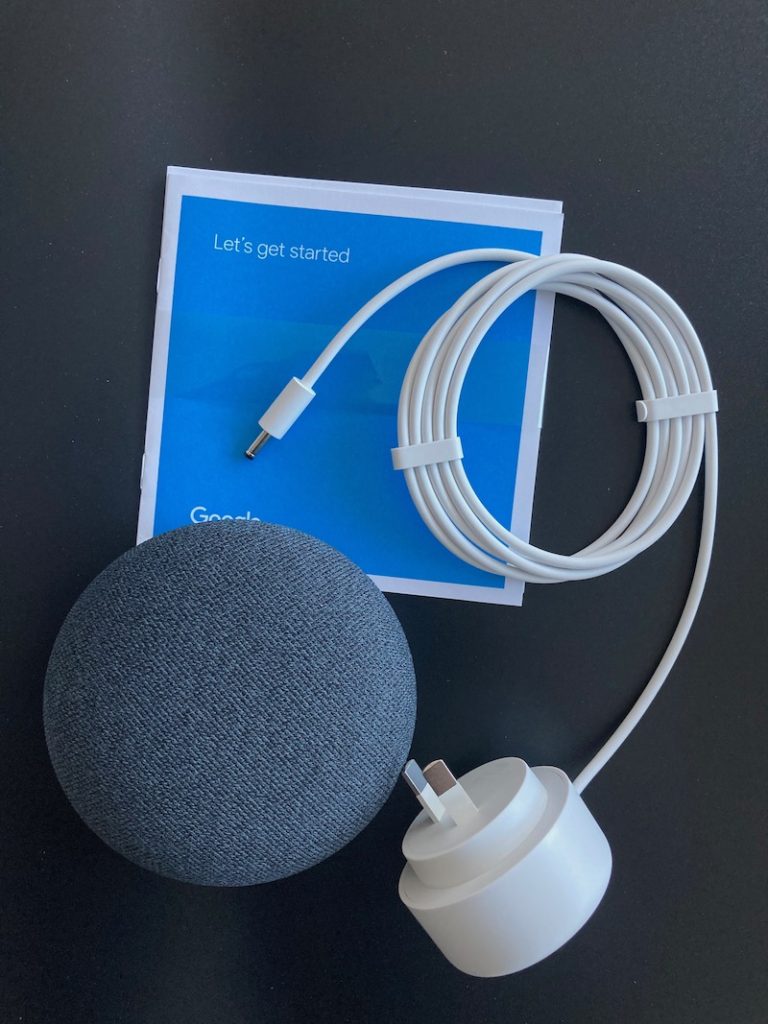
Tech companies love to talk about “OOBE”—that’s “out of the box experience” for us mere mortals. Apple practically turned it into an art form. Remember that scene in The Big Bang Theory where Sheldon peels the plastic off his new iPhone? That was me, savoring the satisfying rip of cellophane and the sleek reveal of my Nest Mini.
But my dreams of a quick setup were dashed. What should have been a five-minute job turned into a three-hour odyssey, with 98% of that time spent troubleshooting. If there were an Olympic event for “Googling solutions while muttering under your breath,” I’d have taken gold.
The Setup Saga: When “Next” Means “Not Yet”
Setting up the Nest Mini seemed straightforward: download the Google Home app, follow the prompts, tap “Next” a few times, and voilà! Or so I thought. My first hurdle? The Mini refused to recognize any music providers—no Apple Music, no Spotify, nothing. It was like trying to order pizza in a town with no restaurants.
I scoured forums, logged out, unlinked, reinstalled, and even tried a second smartphone, as suggested by the internet’s collective wisdom. Still, my Nest Mini sat there, stubbornly silent.
The Secret Reset: Hidden Features and Frustrated Fingers
Just as I was about to declare defeat, I stumbled upon a tiny, easily-missed link at the very bottom of Google’s support page: “factory reset.” Apparently, I wasn’t the only one with this problem—“factory reset” is one of the most searched phrases for the Nest Mini.
Here’s the trick: hold your finger on the top of the device (where the row of lights is) for 15 seconds, with the mic switched off. It felt like unlocking a secret level in a video game. Suddenly, the Mini came to life, ready to listen, respond, and—most importantly—recognize my Spotify account.
Note to Google: Maybe make that reset option a little more obvious for us mere mortals.
Finally, Success! (And a Little Bit of Awe)
With the reset done, setup was a breeze. The Mini’s microphone could pick up my voice from anywhere in the room, even over the sound of my questionable singing. The sound quality? Surprisingly rich, with a built-in equalizer for those who like to tinker. Every song request was met with instant playback—no misunderstandings, no accidental polka remixes.
But the real fun began when I decided to put the assistant through its paces. I fired off a barrage of questions: “What’s the population of Brazil?” “Who’s the Prime Minister of Australia?” “What’s the weather in Tokyo?” Each answer came back fast and flawless. It was like having a super-knowledgeable friend who never needs to sleep.
The Recipe Test: Culinary Assistant Extraordinaire
Feeling cheeky, I asked for a seafood pasta recipe. Not only did the Mini give me a quick rundown of the dish, but it also told me it would take 20 minutes to prepare for eight people and offered to guide me step-by-step. Suddenly, I was tempted to host a dinner party just to show off my new sous-chef.
What’s Next? The Smart Home Rabbit Hole
With my confidence restored, I started dreaming bigger. What if I could control my TV with my voice? Enter Google Chromecast. What about the air conditioner? A bit more research revealed I’d need a special IR adapter, but the possibilities were endless.
Lessons Learned (And Laughs Along the Way)
Looking back, my journey with the Google Nest Mini was part comedy, part tech tutorial. Here are a few takeaways for anyone thinking about diving into the world of smart speakers:
- Don’t be afraid to forget a gift. Sometimes, the best surprises come a year later!
- If setup gets weird, try a factory reset. Seriously, it solves more problems than you’d think.
- Smart speakers are more than music machines. They’re trivia masters, recipe guides, and (occasionally) therapists.
- The smart home rabbit hole is real. Once you start, it’s hard to stop.
Final Verdict: Is the Google Nest Mini Worth It?
Absolutely. For the price of a nice dinner, you get a device that can answer questions, play music, help you cook, and maybe even make you laugh. The setup might be a little quirky, but once it’s up and running, it’s like having a helpful roommate who never leaves dirty dishes in the sink.
So, if you’re like me and have a forgotten gadget gathering dust, give it a chance. You might just discover a new favorite assistant—and a few good stories to tell along the way.