
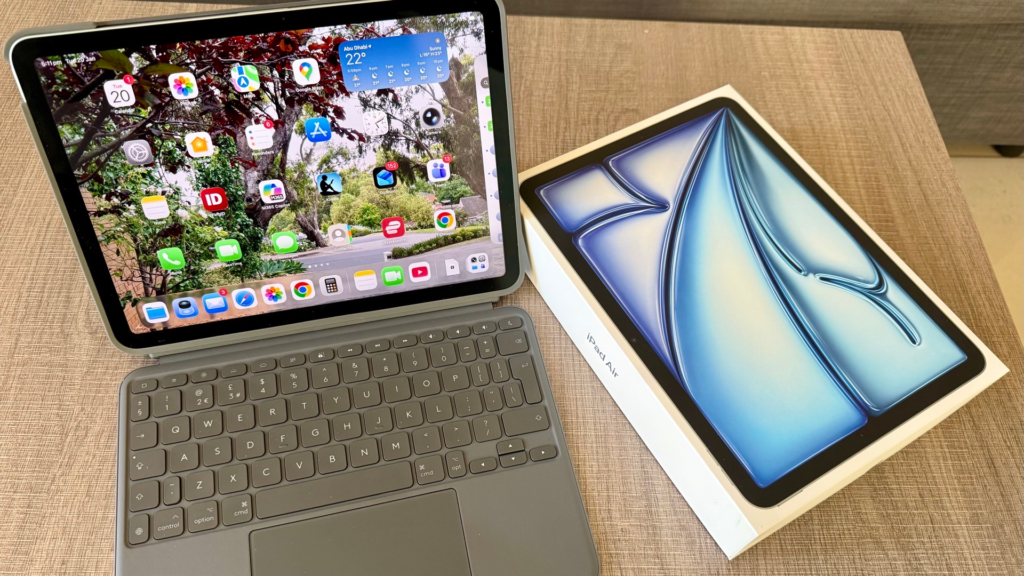
iPad Air 11‑inch M3 – a mistake. Yes, I did make a mistake and not because the iPad was bad. But you will understand why soon.
I bought the iPad Air 11-inch M3 in the 2nd week of January 2026 and by the third day I began to realise it might be a mistake. And by the end of 3rd week I knew it was a indeed a mistake. So what went wrong?
This is my third iPad. I bought my first in London in 2014. It was the 2nd generation model and it served me well for over a decade. I had to get my second as the later OS versions could not be supported.
In February 2022, I bought my second, the 9th generation and I was pleased with it. I did a post in this blog of that iPad shortly after its purchase. All good news then.
This year I decided to leave it in the office permanently as it was good for doing Team calls while I worked on the office desktop. I could also access my personal files with the iPad at work.
For home and travel I decided to pick up a new iPad. The 9th generation was already 4years old and a tad slow.
Prior to my purchase of the latest, I did my usually homework. There were 4 models ranging from the mini, iPad, iPad Air and iPad Pro. The last two had 2 sizes, the 11 inch and the 13 inch. The mini was just too small. I was keen on the Apple native chip and I liked the Air series. I had the MacBook Air 13 inch and was happy with it. So I picked the iPad 11 inch M3. The screen was bigger than my existing iPad 9th generation which had the 10.2 inch screen.
Powering up the M3 iPad
As I powered it up I realised that were features that I did not expect. I did read up on the features on Apple Store site prior to purchase. The store writeup focused on the chip and that it was built for Apple Intelligence. Better and more impressive visual display is always the theme of every Apple model release. But very little on the innards. I wrongly assumed it was faster with better visuals and similar iPad features. How wrong I was.
For more details it is always YouTube clips that I reach out to on products that I buy.
They cover lot more than Apple does, the functions and features especially key new ones. They are also helpful in providing tips and hacks to get the best out of your new gadgets.
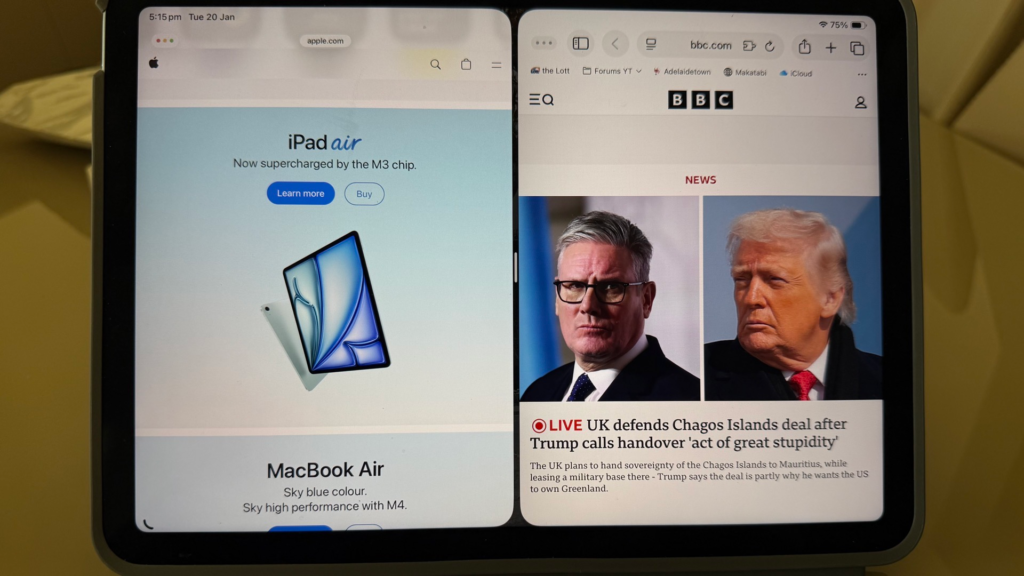
It was no different for the new iPad. Within the first hour of trawling thru the clips I realised it was no longer the iPad that I had come to know. It was getting closer to the MacBook.
Preview in-built app
One of the most important new feature is the Preview app that was released with iPadOS 26 in mid 2025. A core feature of Mac desktop and laptop. In many ways it is the most prominent feature that separated the iPad and iPhones from the laptop and desktop. This was a game changer, and I suspect for many. It was also obvious that Apple for years had it only on the desktop and laptop as key selling point. Product and price differentiation in play.
Preview does robust PDF/image viewing, editing (markup, forms, signatures, background removal, conversion), scanning, and password protection. It is integrated with the Files app for seamless document management. All enhanced by Apple Intelligence for text tasks. It literally is a workhorse.
I used the Preview function in my MacBook Air for photo editing including image resizing and format conversion on the fly. A popular utility feature so much so that the “missing Preview” function in iPad is one of the more popular and often asked queries in social media.
Interestingly Apple framed the iPad as a visual device for images and videos and rightfully so. Yet it did not have this core feature. You had to get a 3rd party app or apps for it. Or get back to the MacBooks for it.
Digging deeper
The appearance of the Preview function triggered a close to a frantic search for what else.
Next big thing was in September 2024, when iPadOS 18 was released. It allowed the charging port to do more. You could now plug in an external drive, connect the camera and charge other devices.You could also connect to the the internet via Ethernet for the hard wired link instead of wi-fi for that stable connection and ability to transfer big files. A major upgrade that I missed completely.
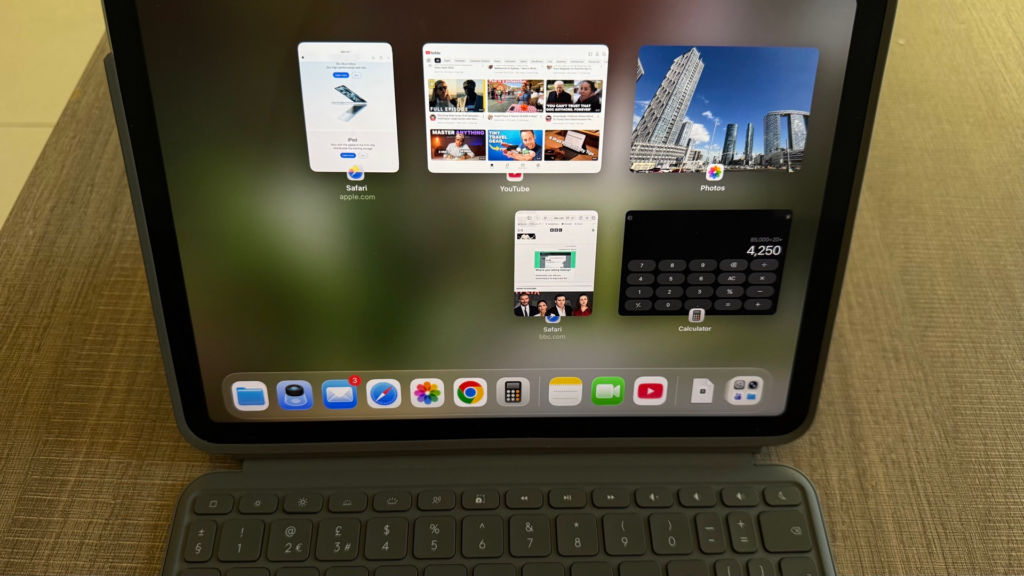
There are loads of other enhancements including the windowing options that came with the new iPad and the recent OS releases. This post won’t do justice in covering the raft of new features. I suggest to set aside time on a quiet weekend to cover them to get the best out of your iPad. You also need practice time to use them on a daily basis or else you will forget or not get it right.
Now for the mistake
If I had known all these new functions and features with the latest iPads and OS, I would have invested in a 13 inch iPad. It more or less mirrored the MacBook.
I no longer have to lug both devices on my travels. I would also use the new iPad when I head to the coffeeshops on weekend, to do more stuff which I previously could only do on my MacBook.
The 13 inch iPad would be great as I could do office stuff via Citrix on the bigger screen.
On the day I got the new iPads Air, I also bought the Logitech Combo Touch keyboard which Apple too retails. I road tested the new iPad and keyboard with Citrix on the office stuff and it worked seamlessly. The only regret was the 11 inch screen.
The 11-inch model cost AUD 999 and the 13 inch AUD 1,349. AUD 350 difference. A sad mistake indeed. The Logitech Combo Touch keyboard at Apple retails at AUD 320.
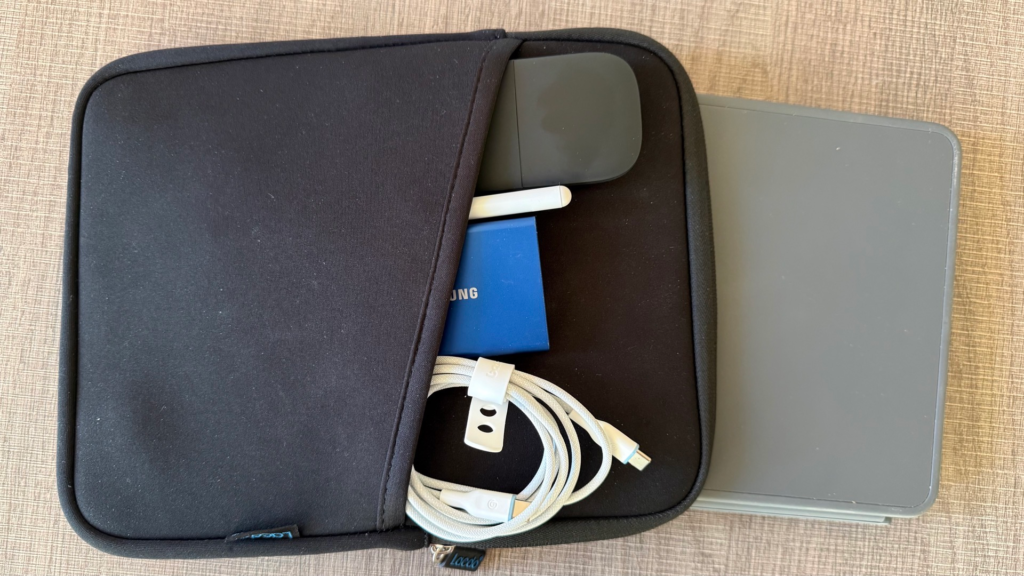
A few days later I got a water resistant carrying case with side pocket for accessories. Just the iPad with Logitech keyboard was just too smooth and slippery to hold and walk.
I have to get over the smaller screen and maximise my new iPad as it is still fantastic. And I did this post completely on the new iPad. A first for me as all previous posts were done on the MacBook. Including resizing the photos using shortcut and embedding it onto to the post.